

Appearance
Add a stdio MCP
- Open Configure → Add MCP
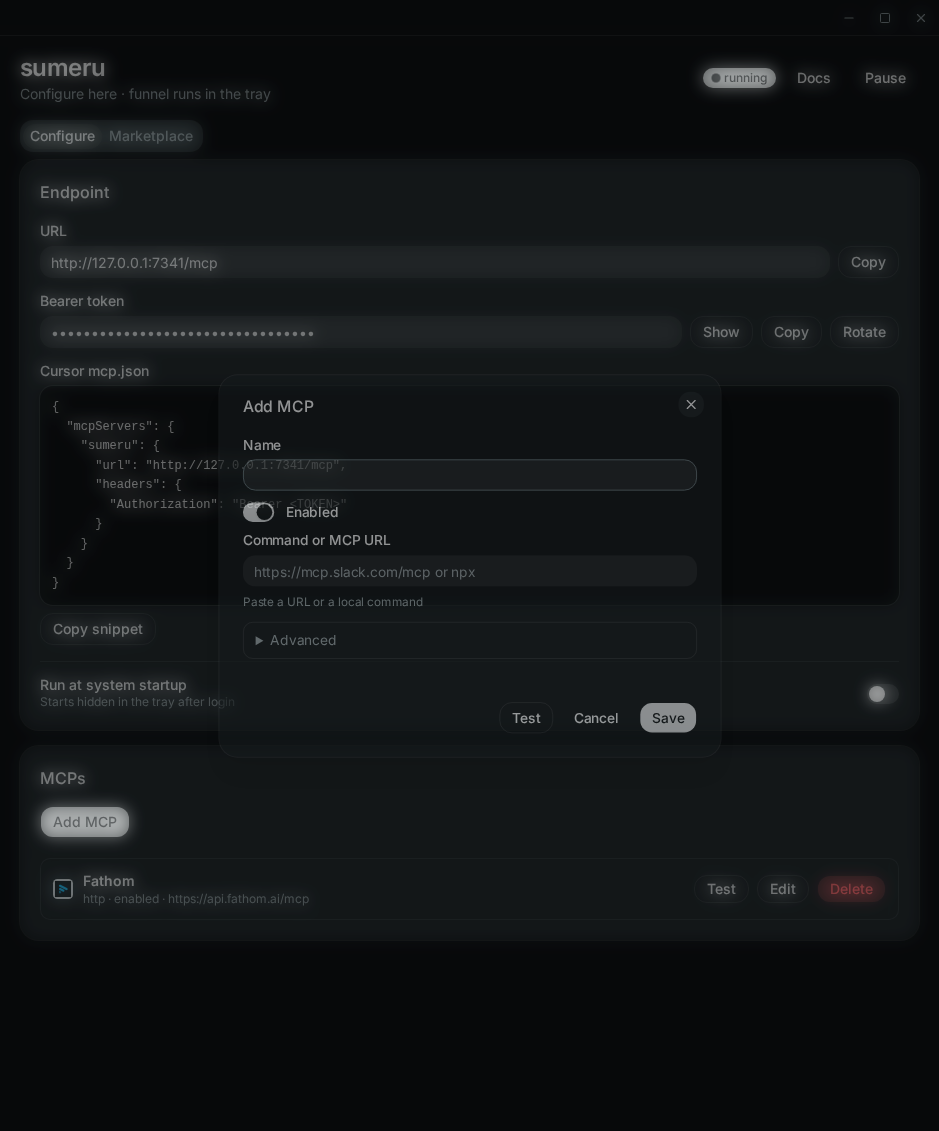
- Set a name
- In Command or MCP URL, paste the command (for example
npxor a full binary path) - Add extra args one per line if needed
- Put secrets as
KEY=valuelines under env — values go in the OS keychain - Click Test, then Save
Sumeru starts the process with argv only (no shell). PATH and HOME are passed through; other env vars must be listed explicitly.