

Appearance
Marketplace
The Marketplace tab lists a bundled curated catalog of HTTP MCPs. Most sign in with browser OAuth (Dynamic Client Registration); a few, like Render, use an API key instead.
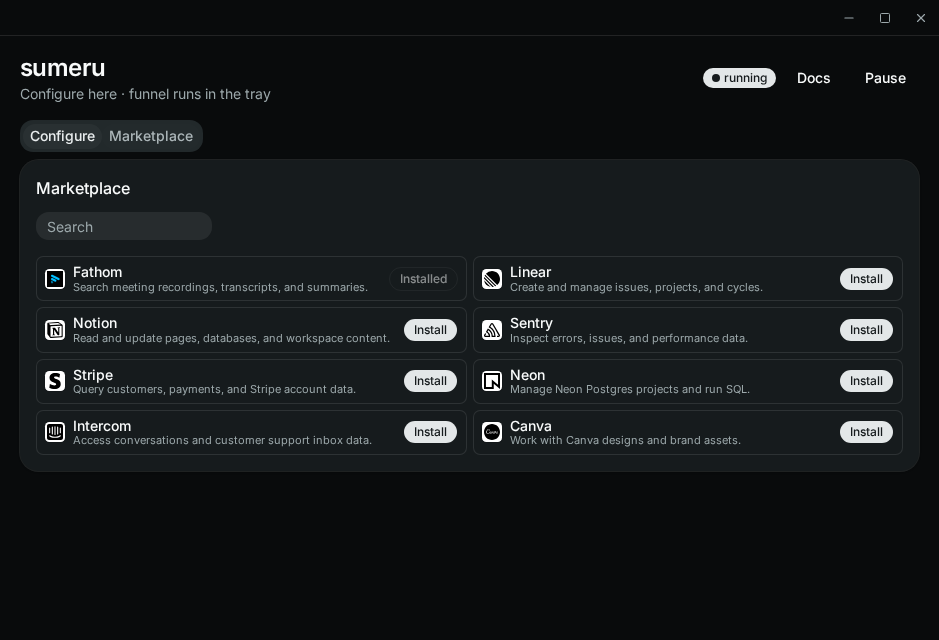
Install
- Open Marketplace
- Find a provider and click Install
- Complete browser OAuth
- Sumeru saves the MCP only if sign-in succeeds
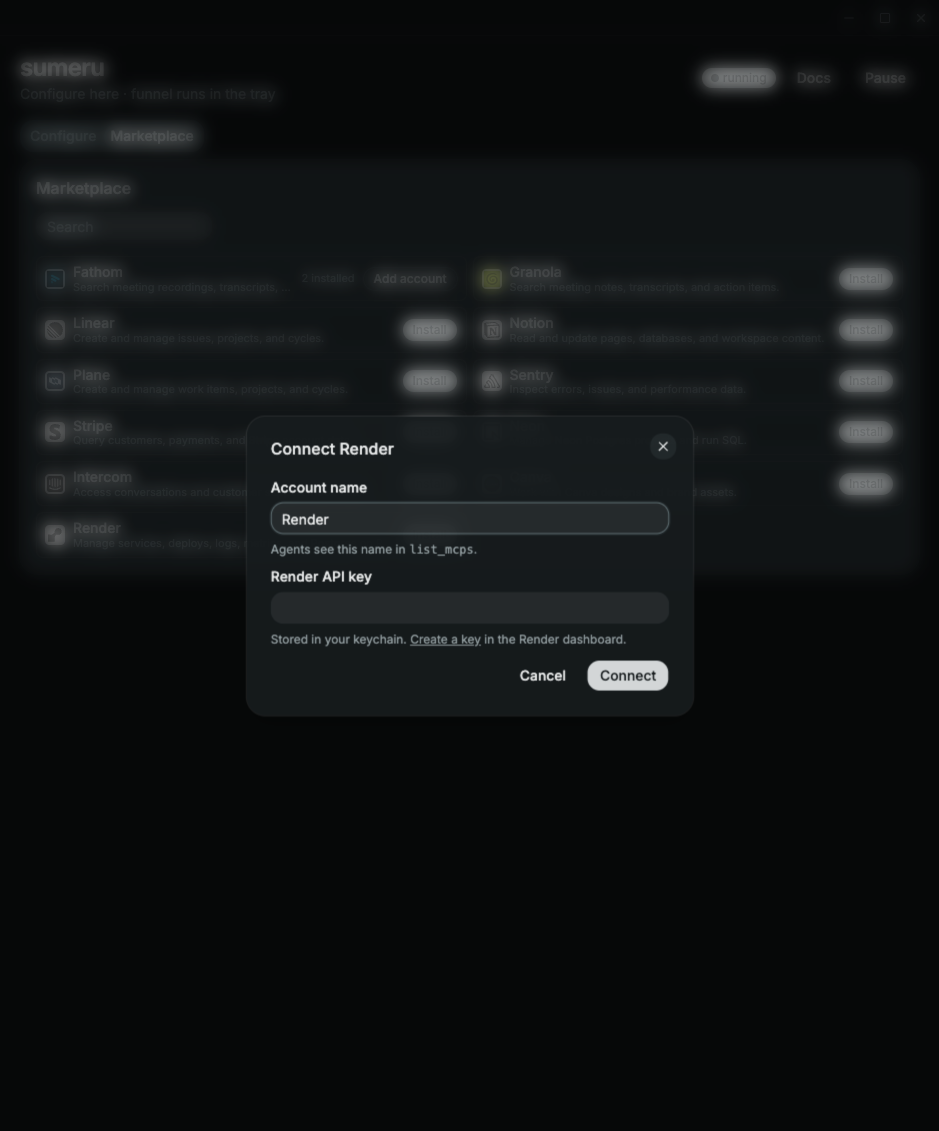
API-key providers (Render) open a dialog instead: paste a key (the dialog links to the provider's key page), click Connect. Sumeru test-connects with the key first and saves it to your keychain only if that works.
Add another account
Once a provider is installed, its row shows N installed and Add account:
- Click Add account and give the account a name (agents see it in
list_mcps, so make it distinct — e.g.Plane · acme) - Click Sign in. Sumeru asks the provider for a fresh login (
prompt=login) - If the provider signs you straight back into the first account, sign out of it in your browser (or use another browser profile) and try again
Each account keeps its own OAuth tokens. MCP names must be unique.
What stays on Configure
Use Configure → Add MCP for:
- Non-DCR OAuth HTTP MCPs (bring your own Client ID)
- Stdio MCPs (
npx, local binaries, etc.) - Any custom Streamable HTTP URL not in the catalog