

Appearance
Install from Marketplace
- Open the Marketplace tab
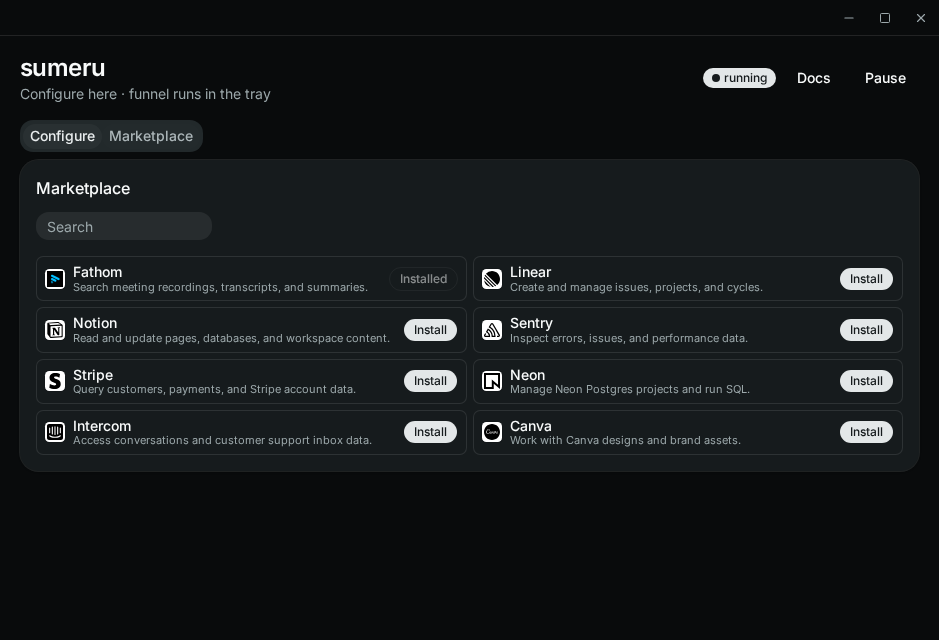
- Search or browse the catalog
- Click Install on a provider
- Complete browser OAuth when prompted
- Confirm the MCP appears under Configure
Install only succeeds after OAuth completes. For stdio or non-DCR servers, use Configure → Add MCP instead.