

Appearance
Rotate a key's token
- Open Configure → Keys
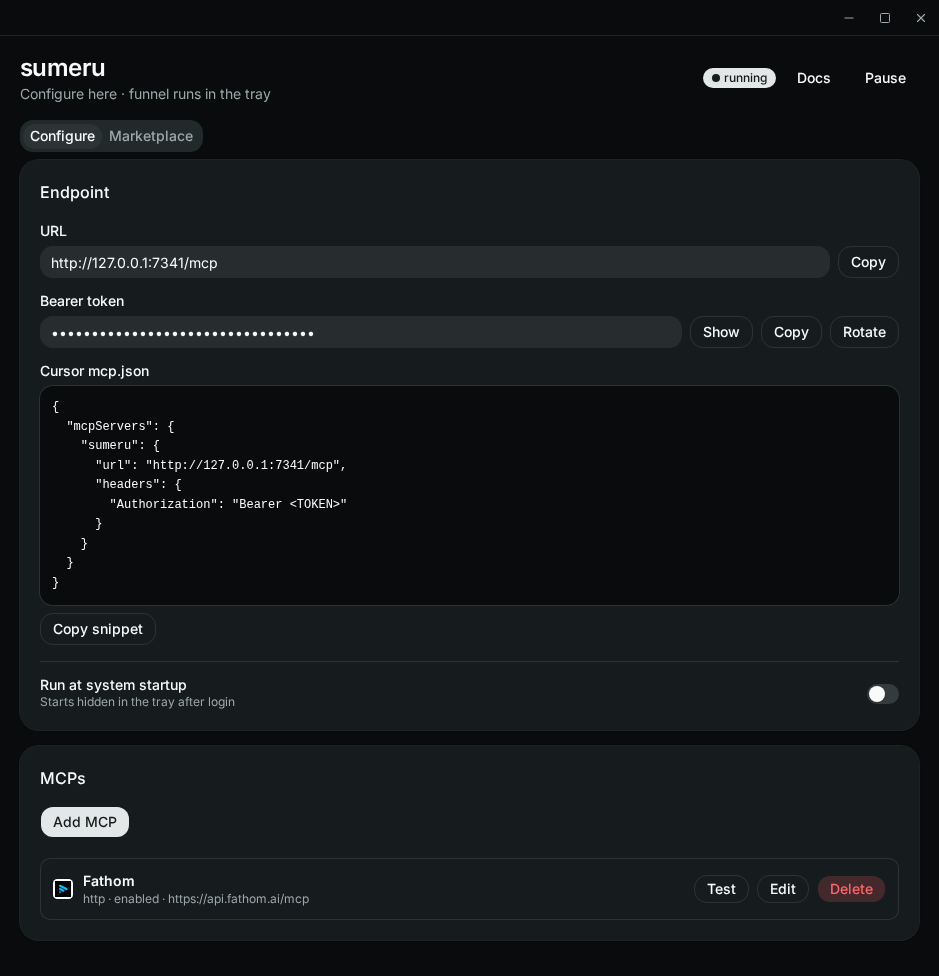
- On the key's row, click Rotate
- Re-add Sumeru to each agent using that key from Connect an agent (see Connect your agent), or update any other MCP host config that still has the old
Authorization: Bearer …value
The old token stops working immediately; other keys are unaffected. Tokens live in the OS keychain (sumeru / endpoint-token for the Default key, sumeru / key:<id> for others). To revoke a key entirely, Delete it — see Scoped API keys.