

Appearance
Connect Cursor
- Start Sumeru and confirm the badge shows running
- On Configure, copy the endpoint URL and bearer token
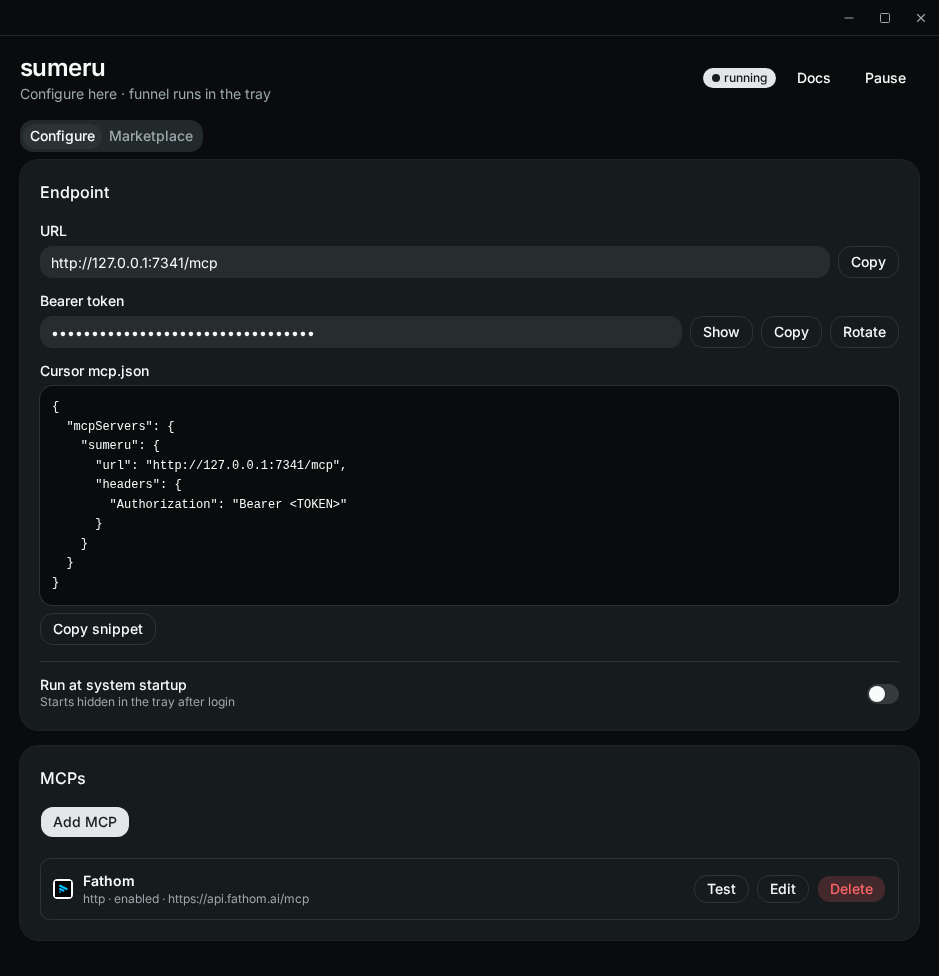
- In Cursor MCP settings, add:
json
{
  "mcpServers": {
    "sumeru": {
      "url": "http://127.0.0.1:7341/mcp",
      "headers": {
        "Authorization": "Bearer <token>"
      }
    }
  }
}- Reload MCP servers in Cursor
- Call
list_mcpsto confirm your configured upstreams appear
Stdio alternative
If you prefer stdio instead of HTTP:
json
{
  "mcpServers": {
    "sumeru": {
      "command": "sumeru",
      "args": ["mcp-stdio"]
    }
  }
}
Install the CLI with npm i -g sumeru-mcp first (or point SUMERU_BINARY at a local build).